
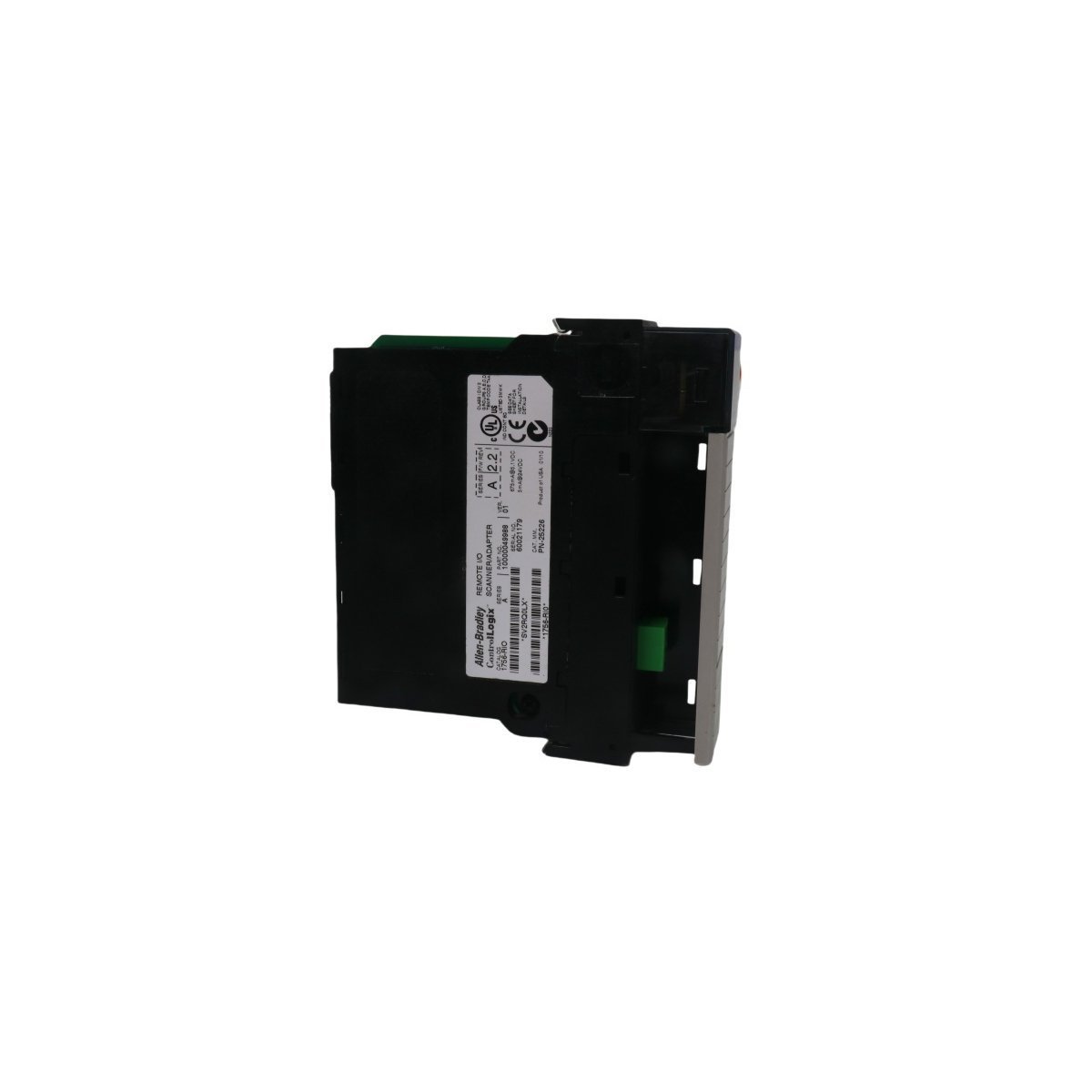
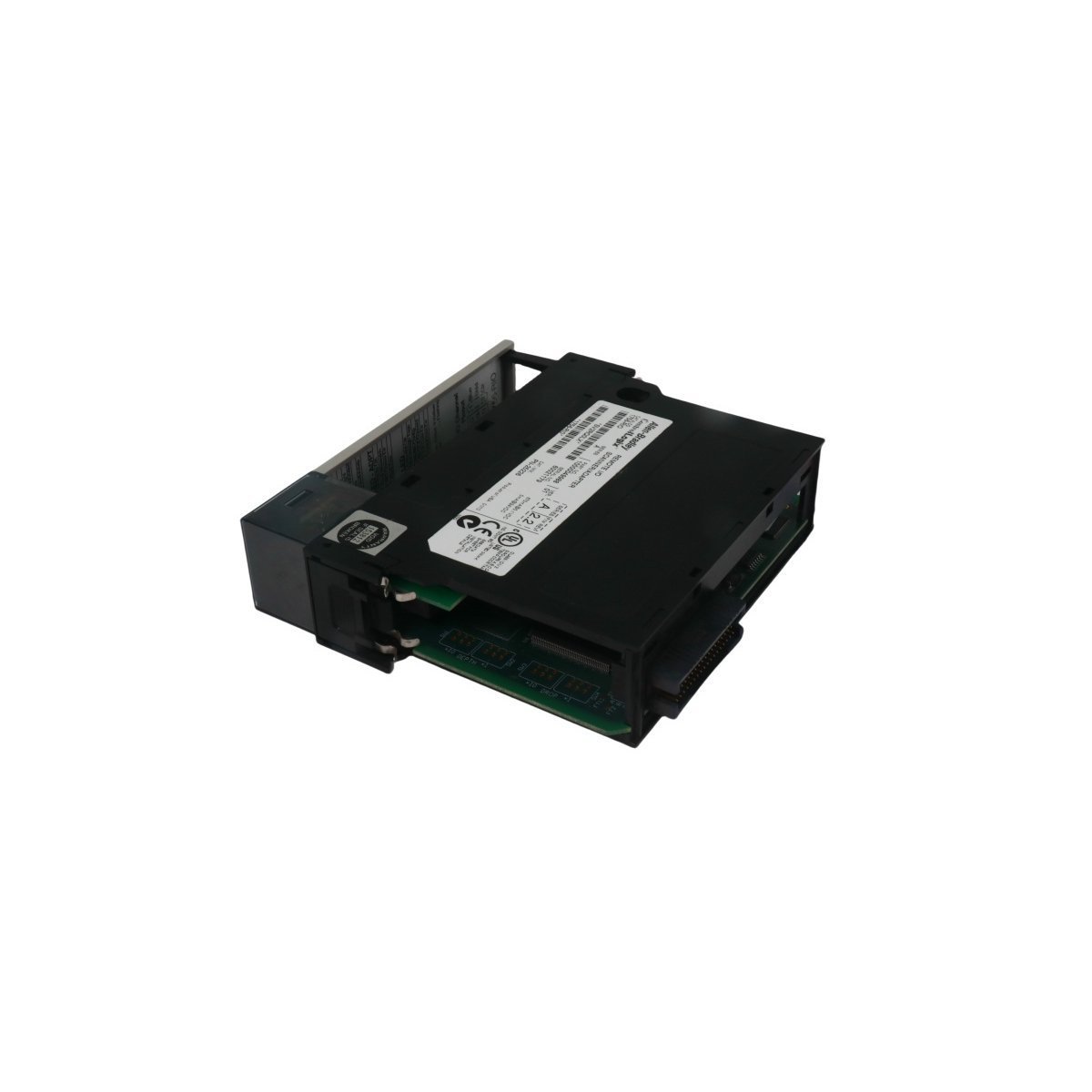
1756-RIO Allen-Bradley ControlLogix Remote I/O Network Module
Sale!The 1756-RIO Allen-Bradley Remote I/O network Module supports efficient data communication. Available as Brand New, Original Stock, with Global Shipping.
99 in stock


- Chassis Preparation: Power down the ControlLogix chassis. Insert the 1756-RIO into any available slot, ensuring the backplane connector aligns correctly with the chassis keying pins.
- Wiring: Utilize 1771-CD or Belden 9463 (Blue Hose) cabling for RIO connections. Strip the cable jacket according to manufacturer specifications and terminate the conductors securely to the module’s front-facing connector.
- Shielding: Terminate the cable shield at the designated grounding point on the module to minimize electromagnetic interference (EMI). Improper shielding can introduce noise and degrade signal integrity on the RIO link.
- Verification: After installation, restore power to the chassis. Observe the module’s front-panel status LEDs. A solid green indicator confirms successful initialization and backplane communication.
- Documentation: Always record the physical node address and baud rate settings assigned to the module in the system maintenance log to facilitate rapid future troubleshooting.
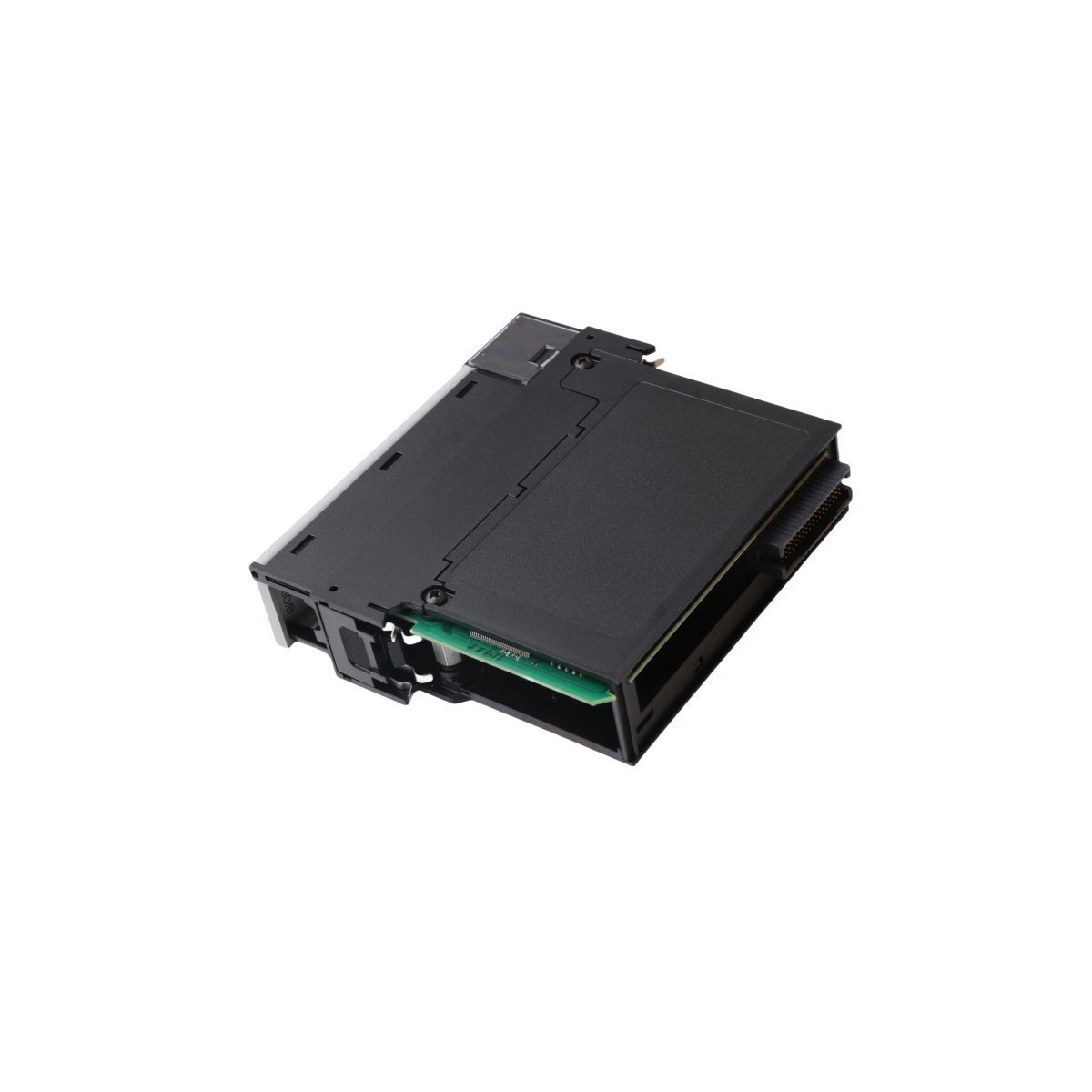
Allen-Bradley 1756-RIO Remote I/O Network Module
Configured for Remote I/O (RIO) network integration within ControlLogix systems, the Allen-Bradley 1756-RIO (1756-RIO Remote I/O network Module) provides direct physical/electrical execution of data exchange between ControlLogix processors and legacy remote I/O adapters.
Hardware Specifications
| Parameter | Specification |
|---|---|
| Model | 1756-RIO |
| Brand | Allen-Bradley |
| Origin | USA |
| Weight | 0.26 kg |
| Dimensions | 3.6 x 14.0 x 14.6 cm |
| Operating Temp | Standard Industrial |
| Power Consumption | 450 mA at 5.1 VDC; 5 mA at 24 VDC |
| Thermal Dissipation | 2.5 W / 8.5 BTU/hr |
| Communication | Remote I/O (Blue Hose) |
Profinet / EtherNet/IP Deterministic Networks
The 1756-RIO manages data transmission by acting as either a scanner or an adapter on the Remote I/O link. As a scanner, it coordinates block transfers, digital, specialty, and analog I/O updates across up to 32 physical adapters without requiring ladder logic message instructions. The hardware architecture maintains synchronization across all network baud rates. It ensures deterministic performance by providing continuous 50 V isolation between the RIO communication medium and the ControlLogix backplane. This isolation prevents electrical transients from the remote network from affecting processor bus communication velocity.
Frequently Asked Questions (FAQ)
Q: How do operators configure the 1756-RIO for scanner versus adapter modes?
A: Users must define the operational mode via the RSLogix 5000 / Studio 5000 configuration tree during initial module setup. The hardware defaults to scanner mode, but the software allows for a transition to adapter mode if the module must interface with an existing third-party or legacy RIO scanner.
Q: Does the 1756-RIO support hot-swapping within a ControlLogix chassis?
A: Yes, the module supports ControlLogix hot-swapping (Removal and Insertion Under Power – RIUP). However, operators must ensure that all critical control loops enter a safe state before extraction, as removing the module terminates active communication with all assigned remote I/O racks.
Field Installation Guidelines
| Weight | 0.26 kg |
|---|---|
| Country of Origin | USA |
| Dimension | 3.6 x 14 x 14.6 cm |


Reviews
There are no reviews yet.