
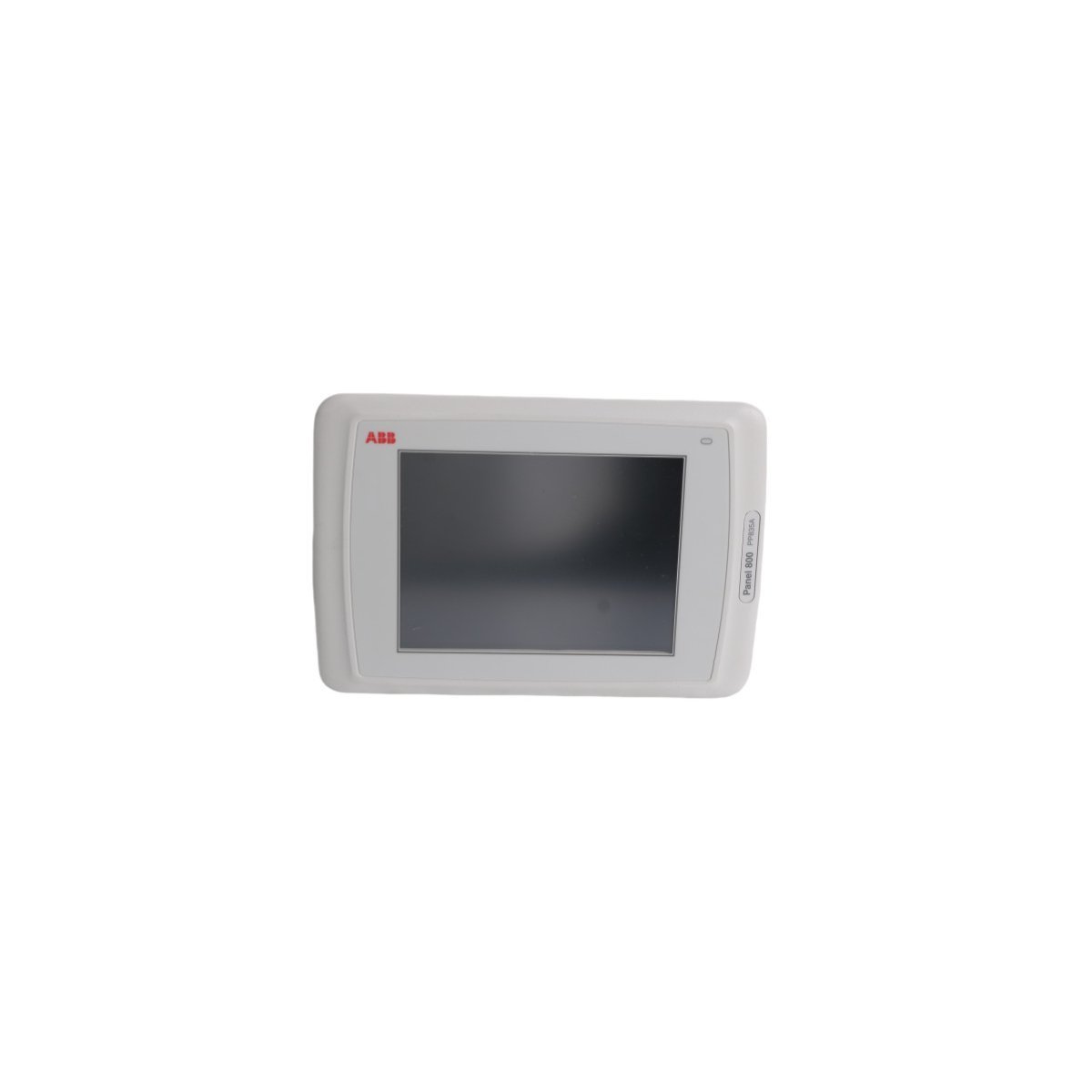
ABB PP835A 3BSE042234R2 System 800xA HMI Touch Panel Operator Interface
Sale!The ABB PP835A 3BSE042234R2 is a 1.12 kg System 800xA HMI touch panel featuring an Ethernet router port for real-time DCS data visualization.
99 in stock


ABB PP835A System 800xA Touch Panel
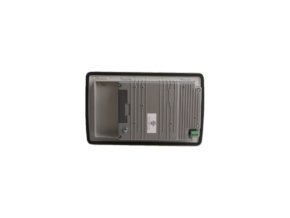
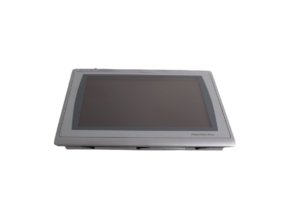
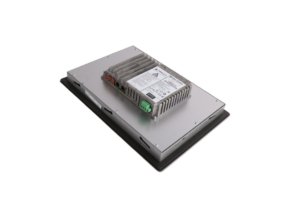
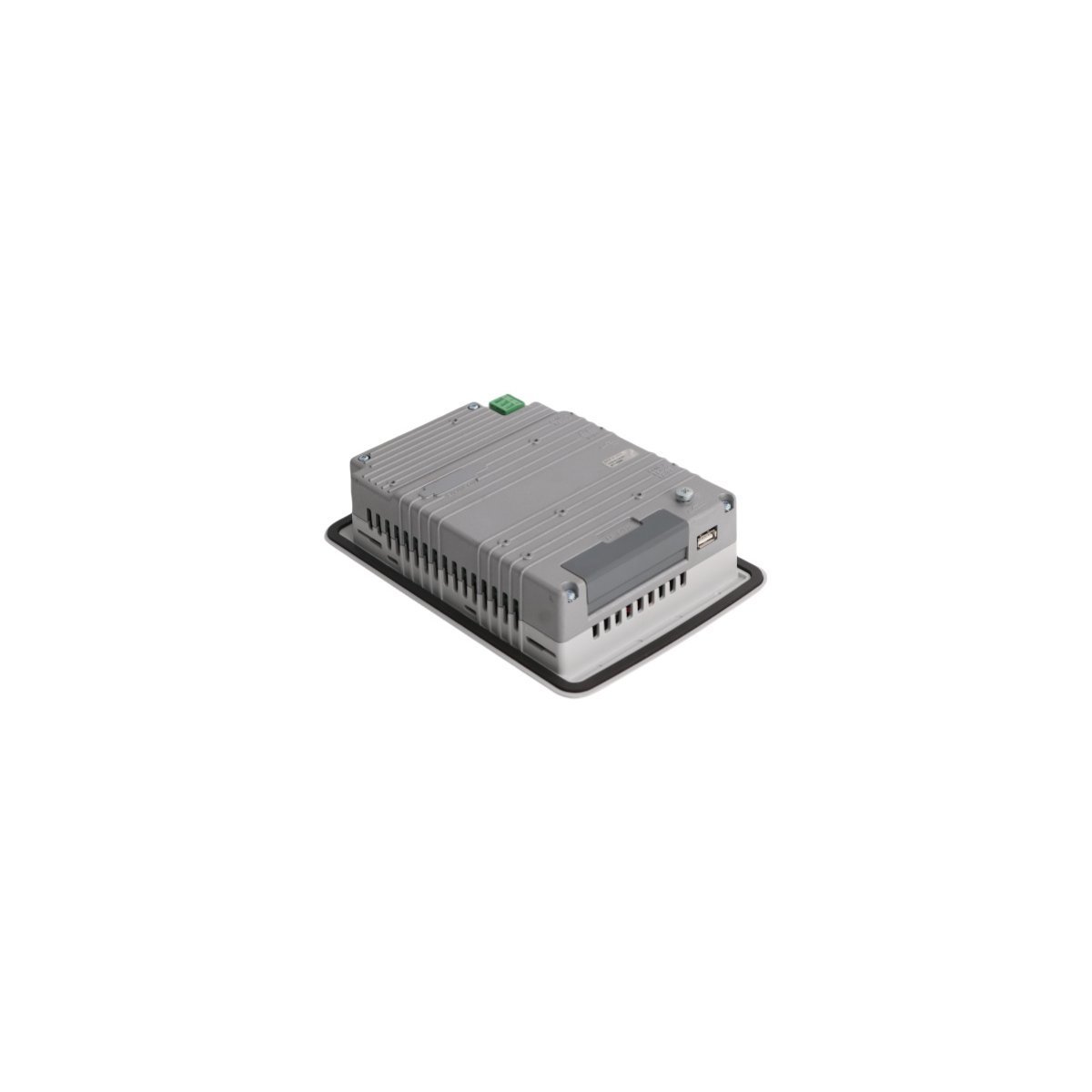
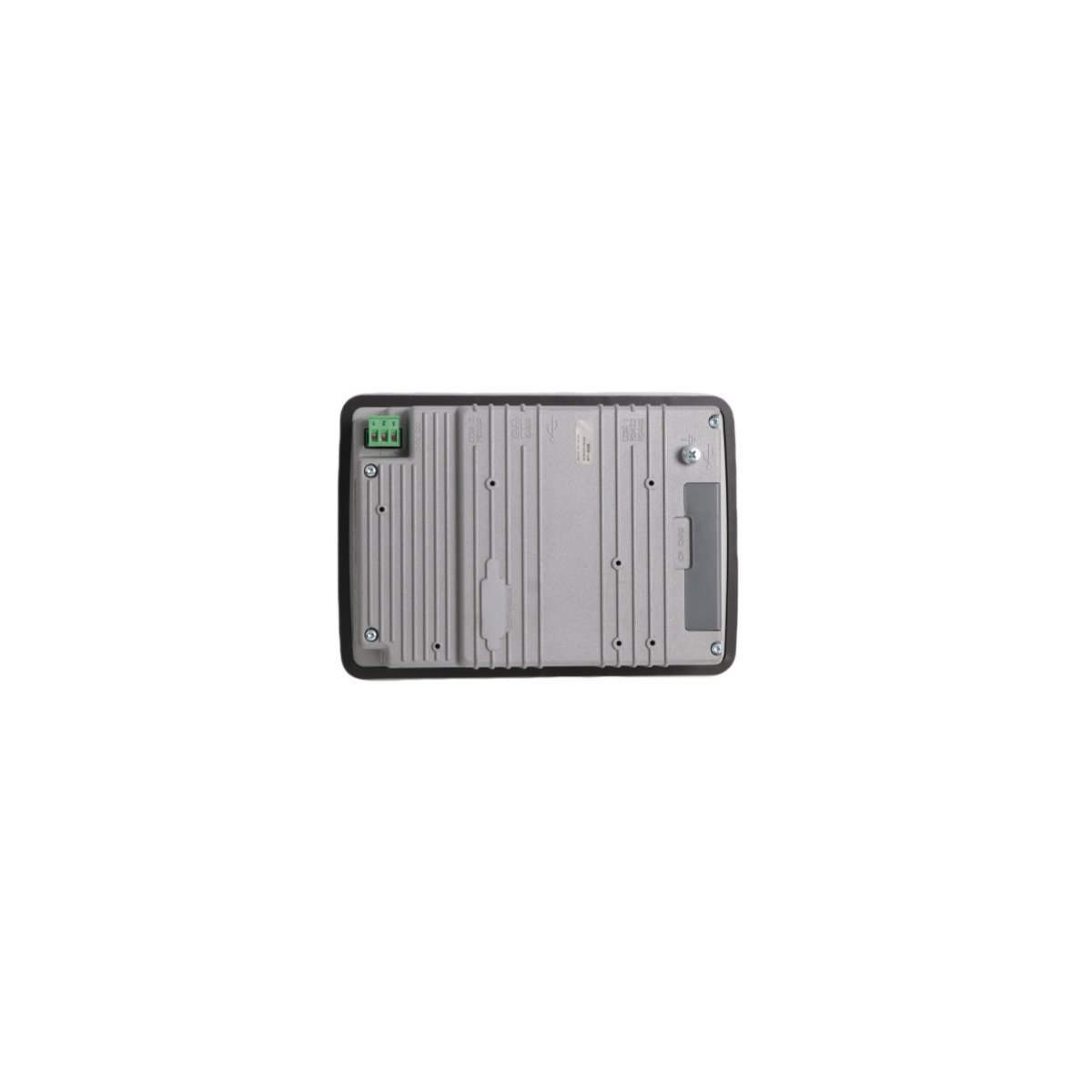
The ABB PP835A 3BSE042234R2, also cataloged as the PP835A Touch Panel, operates as a dedicated hardware component for human-machine interface data visualization within System 800xA platforms. The unit converts operator touch inputs into digital command strings, routing them directly through an integrated Ethernet router communication interface to local controller stations. By utilizing a high-density matrix overlay, the device provides real-time monitoring and control execution for process variables across the plant network.
Hardware Specifications
| Parameter | Specification |
|---|---|
| Model | PP835A 3BSE042234R2 |
| Brand | ABB |
| Origin | Sweden |
| Weight | 1.12 kg |
| Dimensions | 21.8 x 15.3 x 6 cm |
| Operating Temp | 0 to +50 deg C |
| Power Consumption | 24 V DC nominal input voltage |
| Module Type | Touch Panel HMI Interface |
| Communication Service | Ethernet router port configuration |
| Lifecycle Status | Active |
Deterministic Networks and I/O Density Scaling
The HMI hardware interfaces directly with industrial logic controllers via Profinet and EtherNet/IP deterministic networks to ensure predictable packet transmission speeds. The internal graphic processor manages high I/O density scaling, rendering complex process graphic elements, alarms, and alarm faceplates simultaneously without delaying the backplane bus communication velocity. Software drivers inside the panel align communication cycle times with controller task updates. Because the device processes graphical changes locally at the edge, it prevents network saturation and maintains rapid screen update rates during high-density I/O plant disruptions.
Frequently Asked Questions
Q: How do field teams execute firmware flash compatibility checks when updating the runtime software?
A: Engineers upload the target firmware file via the built-in Ethernet interface using standard system engineering tools. The panel runs an internal validation script to verify hardware compatibility before flashing the EEPROM sector, which eliminates boot loop failures.
Q: What are the restrictions regarding hot-swapping the communication cabling?
A: Operators can disconnect and reconnect the RJ45 Ethernet communication cable while the unit is powered. However, the host controller will register a brief communication timeout fault, and the display will show a disconnected node status until the communication link initializes.
Field Installation Guidelines
Mount the touch panel into a panel cutout matching the device dimensions, checking that the integrated rubber gasket rests completely flat against the enclosure surface to prevent dust ingress. Secure the unit using the provided mechanical retention clamps, and tighten the mounting hardware evenly to distribute the pressure without warping the front bezel assembly. Route all Ethernet communication lines through isolated low-voltage wire trays, keeping a minimum distance of 30 cm from high-power AC motor lines. Connect a dedicated copper grounding strap from the ground terminal lug on the rear metal chassis directly to the single-point instrument earth bus bar to shield the electronic components from stray electromagnetic interference.
| Weight | 1.12 kg |
|---|---|
| Country of Origin | Sweden |
| Dimension | 21.8 x 15.3 x 6 cm |
Reviews
There are no reviews yet.